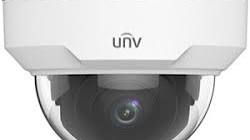
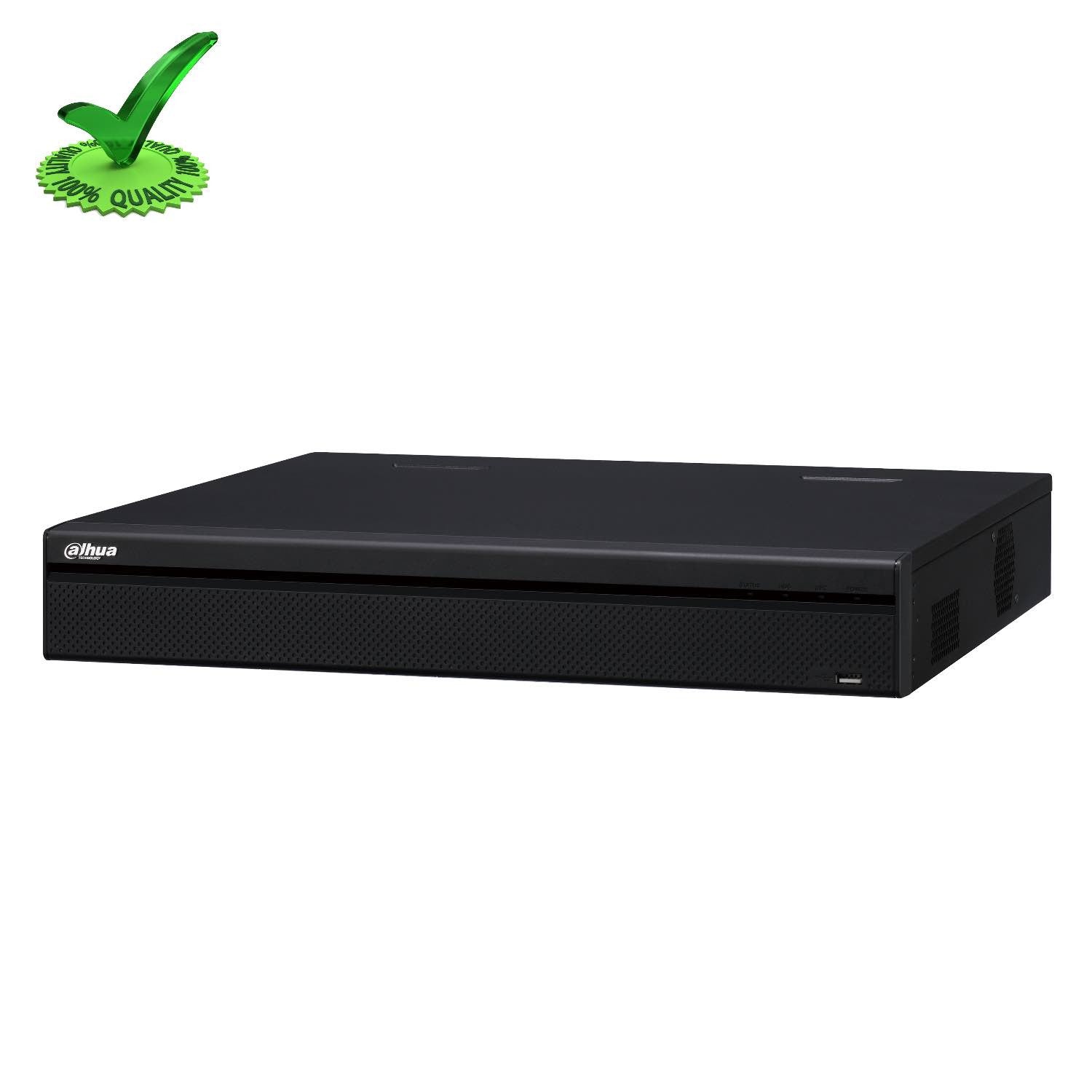
In the realm of surveillance technology, the 8 channel DVR Hikvision 5MP stands out as a powerful and reliable solution for capturing high-definition video footage with exceptional clarity and detail. With its advanced features and capabilities, this DVR offers users a comprehensive surveillance experience that ensures maximum security and peace of mind.
Equipped with support for up to 8 channels, the Hikvision 5MP DVR allows users to connect multiple cameras for comprehensive coverage of their premises. Whether it’s monitoring a residential property, a commercial establishment, or an industrial facility, this DVR offers the flexibility and scalability needed to meet various surveillance requirements.
One of the key highlights of the 8 channel DVR Hikvision 5MP is its ability to record video footage in stunning 5-megapixel resolution. This means that every detail captured by the connected cameras is crisp, clear, and highly detailed, providing users with valuable information for monitoring and analysis.
Furthermore, this DVR supports various advanced features such as motion detection, scheduled recording, and remote access. Users can easily configure the system to trigger recordings based on motion events, set up recording schedules for different times of the day, and access live or recorded footage remotely via a smartphone or computer.
With its robust construction and user-friendly interface, the 8 channel DVR Hikvision 5MP is designed to deliver reliable performance in diverse surveillance environments. Whether it’s day or night, indoors or outdoors, this DVR ensures that users can capture high-quality video footage consistently and effectively.
In conclusion, the 8 channel DVR Hikvision 5MP is a top-of-the-line surveillance solution that combines cutting-edge technology with user-friendly features to provide an unparalleled level of security and surveillance capabilities. For those looking to enhance their monitoring systems with high-definition video recording and advanced functionality, this DVR is undoubtedly a standout choice.
Top 5 Tips for Optimizing Your 8-Channel Hikvision 5MP DVR System
- Ensure the DVR supports 5MP resolution for all channels.
- Set up motion detection to optimize storage usage.
- Regularly update the firmware to ensure security patches are in place.
- Enable remote viewing for easy access to live footage from anywhere.
- Backup important footage to an external device to prevent data loss.
Ensure the DVR supports 5MP resolution for all channels.
When selecting an 8 channel DVR Hikvision 5MP, it is crucial to ensure that the DVR supports 5MP resolution for all channels. This ensures consistency in video quality across all connected cameras, allowing users to capture every detail with clarity and precision. By verifying this feature, users can guarantee that they are maximizing the full potential of their surveillance system and obtaining high-definition footage from every angle, enhancing overall security and monitoring capabilities.
Set up motion detection to optimize storage usage.
Setting up motion detection on the 8 channel DVR Hikvision 5MP is a smart way to optimize storage usage and ensure efficient recording of relevant events. By configuring the system to trigger recordings only when motion is detected, users can significantly reduce the amount of unnecessary footage that is captured, thus saving valuable storage space. This not only helps in maximizing the available storage capacity but also makes it easier to quickly review and locate important events without having to sift through hours of continuous footage. Overall, enabling motion detection on the DVR enhances the effectiveness and efficiency of the surveillance system while minimizing storage requirements.
Regularly update the firmware to ensure security patches are in place.
One crucial tip for maximizing the security and performance of your 8 channel DVR Hikvision 5MP system is to regularly update the firmware. By keeping the firmware up to date, you ensure that the latest security patches and enhancements are in place, helping to protect your surveillance system from potential vulnerabilities and cyber threats. Regular firmware updates not only strengthen the overall security of your DVR but also ensure that it operates smoothly and efficiently, providing you with reliable surveillance capabilities when you need them the most.
Enable remote viewing for easy access to live footage from anywhere.
One valuable tip for maximizing the utility of an 8 channel DVR Hikvision 5MP is to enable remote viewing, allowing users to access live footage from anywhere with ease. By setting up remote viewing capabilities, users can conveniently monitor their premises in real-time using a smartphone, tablet, or computer, regardless of their physical location. This feature not only enhances convenience but also provides added peace of mind by enabling users to stay connected and informed about ongoing activities at all times.
Backup important footage to an external device to prevent data loss.
It is crucial to follow the tip of backing up important footage from the 8 channel DVR Hikvision 5MP to an external device to prevent data loss. By regularly transferring critical video recordings to an external storage device such as a USB drive or a network-attached storage (NAS) system, users can safeguard their valuable footage against unforeseen events like system failures or data corruption. This simple yet effective practice ensures that important surveillance footage remains secure and accessible, providing peace of mind and ensuring continuity in monitoring operations.