6 Camera CCTV System: A Practical Guide for Homes and Businesses
A 6 camera CCTV system is a popular choice for monitoring homes, shops, offices, warehouses and other premises. It can provide coverage of several important areas, such as entrances, corridors, cash counters, parking spaces and storage areas. The right setup depends on the size and layout of the property, the level of detail required and how long recordings need to be stored.
What is a 6 camera CCTV system?
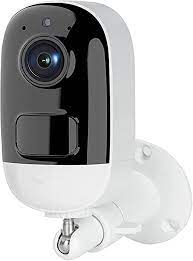
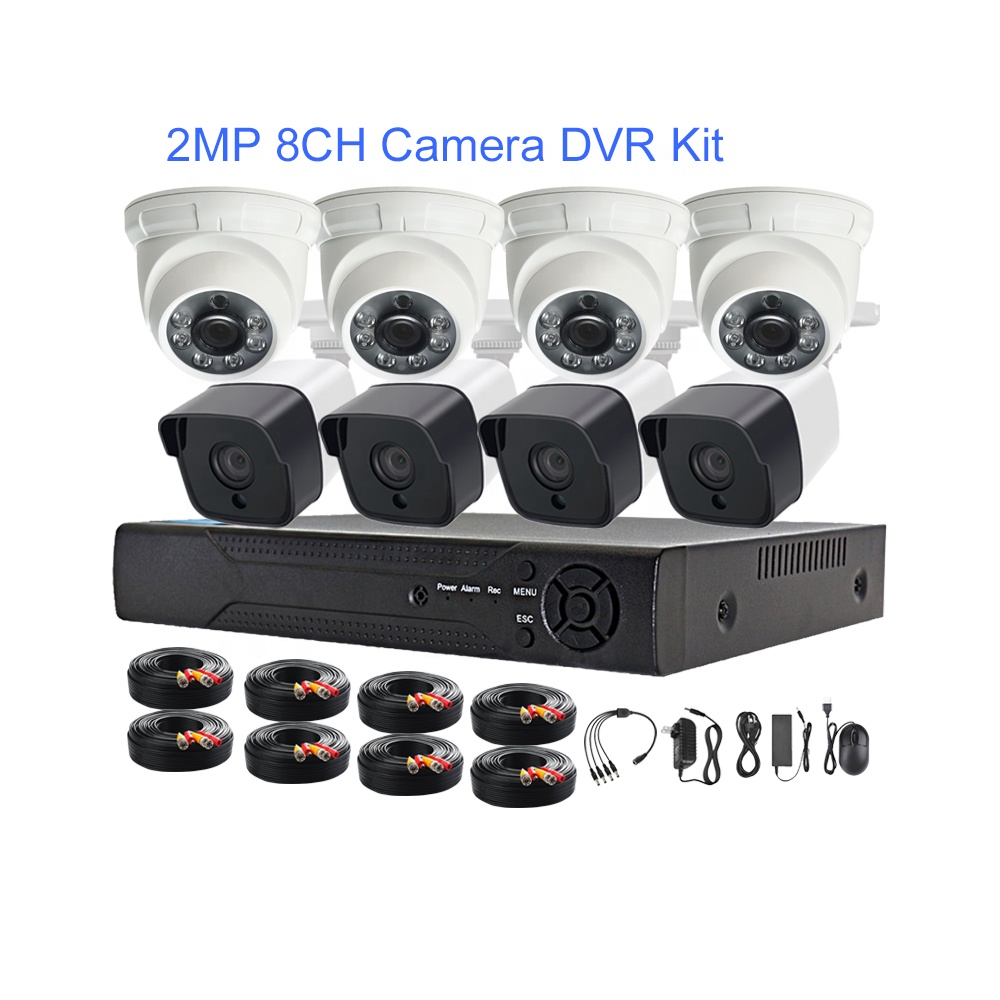
A 6 camera CCTV system uses six cameras connected to a recording device, usually a DVR or NVR. The cameras capture video, while the recorder stores it on a hard drive. Users can view live or recorded footage on a monitor, television, computer or mobile phone, depending on the system and its network setup.
- DVR systems: Commonly used with analogue or HD-over-coaxial cameras.
- NVR systems: Used with IP cameras, which transmit video over a network.
- PoE systems: Power over Ethernet allows compatible IP cameras to receive power and send data through one network cable.
Where can six cameras be placed?
A six-camera setup can be planned to cover key areas rather than simply placing cameras at regular intervals. A typical layout might include:
- Main entrance or reception area
- Rear or secondary entrance
- Parking area, driveway or loading bay
- Cash counter or point of sale
- Corridor, staircase or common area
- Warehouse, stockroom or another high-priority location
The best positions depend on the field of view, lighting, camera height and possible obstructions. Wide-angle cameras can cover larger spaces, while narrower views may be better for identifying activity at a particular doorway or counter. A site assessment can help avoid blind spots and unnecessary overlap.
Key features to consider
Image resolution
Camera resolution affects how much detail appears in the footage. Higher resolution may help when viewing faces, objects or number plates, but it also requires more storage and network capacity. Choose cameras according to the distance and level of detail needed at each location.
Night vision and low-light performance
Check how the cameras perform after dark. Infrared night vision is useful in low-light areas, while colour night vision may be available where sufficient lighting is present. For entrances and outdoor spaces, consider adding suitable lighting and checking for glare from reflective surfaces.
Indoor or outdoor use
Outdoor cameras should be designed to withstand local weather conditions. Look for a suitable weather-resistance rating and ensure that cables, connectors and power supplies are also protected. Indoor cameras may be appropriate for offices, shops and common areas.
Recording and storage
Recording duration depends on hard-drive capacity, camera resolution, frame rate, video compression and whether recording is continuous or motion-based. Ask the installer to estimate how many days of footage the proposed storage can retain. Important footage should be backed up promptly before it is overwritten.
Remote viewing
Many modern systems support viewing through a mobile application or web interface. Remote access should be configured securely, with strong passwords, updated software and access granted only to authorised users.
Benefits of a 6 camera CCTV system
- Monitoring of multiple entrances and high-priority areas
- Recorded footage that may assist with reviewing incidents
- Convenient live viewing from a connected monitor or authorised mobile device
- Flexible options, including wired, wireless and IP-based systems
- Potential to expand or integrate with other security equipment, depending on the recorder
CCTV can support a wider security plan, but it does not replace physical security measures, staff procedures or appropriate access control.
Wired or wireless: which should you choose?
Wired systems generally provide a stable connection and are often preferred for permanent installations, especially where reliability is important. However, installation may involve cable routing. Wireless cameras can be easier to position in some locations, but they still need a power source and a dependable network connection. Signal strength, interference and network security should be considered before choosing a wireless setup.
Installation and maintenance tips
- Plan camera positions before drilling or routing cables.
- Test the view during both daytime and night-time conditions.
- Avoid pointing cameras directly at bright lights or reflective surfaces.
- Secure the recorder in a restricted area to reduce the risk of tampering.
- Use strong, unique passwords and change default login details.
- Check cameras, cables, storage and time settings regularly.
- Keep system firmware and applications updated where supported.
Privacy and responsible use
Position cameras to monitor areas you are responsible for and avoid recording private spaces. Inform employees, visitors or residents where appropriate, and follow applicable Indian laws and organisational policies regarding CCTV use, access to footage and retention. Access to recordings should be limited to authorised people.
How to choose the right 6 camera CCTV system
Before purchasing, consider the size of the premises, the areas to be monitored, the lighting conditions, the required image detail, recording duration and whether remote viewing is needed. Confirm that the recorder supports all six cameras and has sufficient storage. It is also useful to check warranty coverage, service availability and the possibility of adding cameras later.
Frequently asked questions
Is a 6 camera CCTV system suitable for a small business?
It can be suitable for a small business with several key areas to monitor, such as an entrance, sales floor, counter and stockroom. The layout and camera views should be assessed before installation.
How long can a 6 camera system record?
There is no single recording duration. It depends on storage capacity, camera settings and recording mode. Ask for an estimate based on the specific cameras and hard drive being supplied.
Can I view the cameras on my phone?
Many systems support mobile viewing when connected and configured correctly. Availability depends on the recorder, camera system, internet connection and application.
Conclusion
A well-planned 6 camera CCTV system can help monitor several important areas of a property and make footage easier to review when needed. Choosing suitable cameras, adequate storage and secure remote access is just as important as the number of cameras. A site assessment can help create a system that fits the property and its security requirements.
6 Camera CCTV System FAQs: Features, Price in India, Storage, Mobile Viewing and Best Options
- What is included in a 6 camera CCTV system?
- How much does a 6 camera CCTV system cost in India?
- How many days of footage can a 6 camera CCTV system store?
- Can I view all six CCTV cameras on my mobile phone?
- Which is better for a 6 camera CCTV system
What is included in a 6 camera CCTV system?
A 6 camera CCTV system typically includes six cameras, a compatible DVR or NVR recorder, a hard drive for storing footage, power supplies and the cables or network equipment needed to connect the cameras. Many systems also include a monitor or support viewing through a mobile app, although these may be optional or sold separately. The exact contents vary by model, so check whether installation, storage, remote viewing and any required accessories are included before purchasing.
How much does a 6 camera CCTV system cost in India?
The cost of a 6 camera CCTV system in India typically ranges from around ₹15,000 to ₹40,000 for a basic HD analogue setup, including a recorder, storage and standard installation. An IP-based system or one with higher-resolution cameras, night-colour features, larger storage capacity or advanced analytics may cost ₹30,000 to ₹80,000 or more. The final price depends on the camera specifications, cable length, site conditions, storage requirements and installation charges, so it is best to request a detailed quotation based on the property.
How many days of footage can a 6 camera CCTV system store?
The number of days of footage a 6 camera CCTV system can store depends on the hard drive capacity, camera resolution, recording settings and whether it records continuously or only when motion is detected. Higher-resolution cameras and continuous recording use more storage, while motion-based recording can extend retention. As a general guide, storage may range from a few days to several weeks; ask your CCTV provider to estimate retention for the system’s specific cameras and settings.
Can I view all six CCTV cameras on my mobile phone?
Yes, you can view all six CCTV cameras on your mobile phone if the system supports remote viewing and is connected to the internet. Install the manufacturer’s app, connect it to the DVR or NVR, and use your authorised login details to watch live or recorded footage. A stable internet connection, secure password and correctly configured system are essential; the exact steps may vary by make and model.
Which is better for a 6 camera CCTV system
For most new installations, a 6 camera IP CCTV system with a PoE NVR is a strong choice, as it can provide high-resolution footage and carry power and video over a single cable per camera. A wired setup is generally reliable, while an IP system may also offer convenient remote viewing and easier expansion, depending on the equipment. If budget is the main concern or existing coaxial cabling is already available, a DVR system with HD analogue cameras may be more suitable. The best option depends on the property layout, required image detail, storage needs and installation budget.