
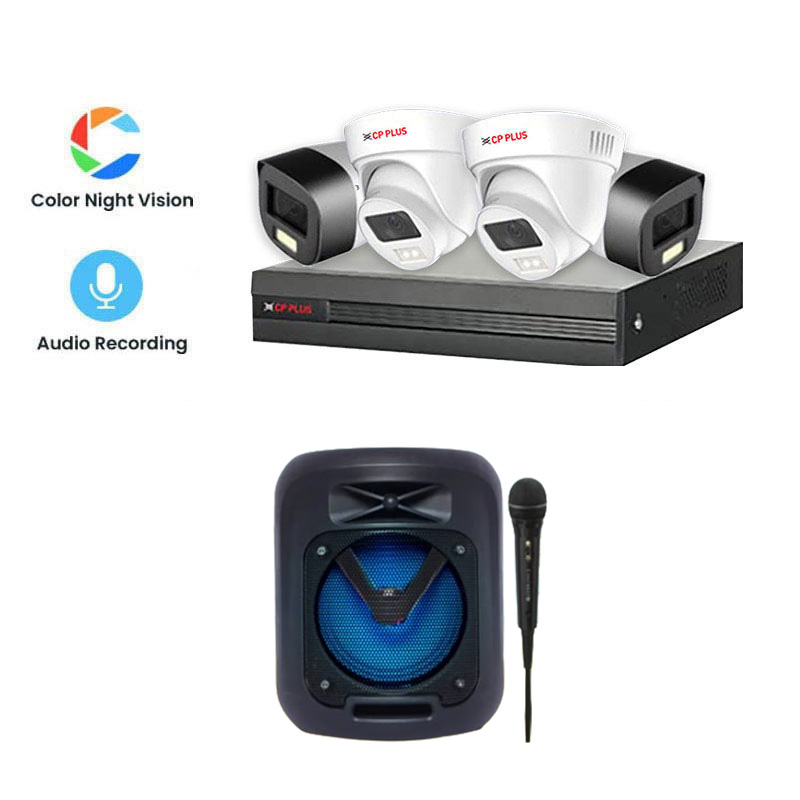
4 Camera DVR: A Practical CCTV Recording Solution for Small Premises
A 4 camera DVR is a digital video recorder designed to connect and record footage from up to four CCTV cameras. It is a popular choice for homes, shops, offices and other small premises that need to monitor several areas using a single recording system.
By bringing camera feeds together in one place, a DVR can make it easier to view live footage, review past recordings and manage basic surveillance. The exact features available depend on the DVR model and the cameras used.
What Is a 4 Camera DVR?
DVR stands for Digital Video Recorder. In a traditional CCTV setup, compatible cameras send video signals to the DVR through cables. The recorder processes the feeds and stores the footage on a hard drive, if one is fitted.
A four-channel DVR can support up to four camera inputs. This lets users monitor multiple locations, such as an entrance, reception area, stockroom and parking space, from one recorder. Some models also support remote viewing through a network connection, subject to the device’s capabilities and configuration.
Key Features to Consider
- Number of channels: A 4-channel unit is intended for up to four cameras. Check that the number of inputs suits your current and planned requirements.
- Camera compatibility: Confirm that the DVR supports the camera type and video format you plan to use. Compatibility can vary between models.
- Recording resolution: The recorder’s supported resolution affects the quality of recorded footage. Check both the DVR specifications and the cameras’ output resolution.
- Storage capacity: Recording duration depends on factors such as hard drive size, camera resolution, frame rate, compression and recording schedule.
- Recording modes: Depending on the model, recording may be continuous, scheduled or triggered by motion detection.
- Remote access: Some DVRs allow viewing through a computer or mobile app when connected to a network. Set up secure passwords and follow the manufacturer’s guidance.
- Backup options: Check whether footage can be exported to a USB device or another supported storage option.
Where Can a 4 Camera DVR Be Used?
A 4 camera DVR can suit premises where a small number of carefully positioned cameras provide useful coverage. Common applications include:
- Homes and residential buildings
- Small retail shops and offices
- Clinics, studios and reception areas
- Small warehouses and workshops
- Entrances, corridors and parking areas
Camera placement should be planned around the areas that need monitoring. Consider entrances, points of sale, storage areas and other locations where visibility is important. Avoid positioning cameras where they unnecessarily capture private spaces.
How to Choose the Right 4 Camera DVR
Before selecting a DVR, consider the size and layout of the premises, the type of cameras required and how long recordings need to be retained. Check the recorder’s camera compatibility, supported resolution, storage options and network features. If you may need more than four cameras later, consider whether a system with additional channels would be a better long-term option.
It is also useful to check what is included in the package. Cameras, hard drives, cables, power supplies and installation services may be sold separately, depending on the supplier and system.
Installation and Maintenance
For reliable operation, install the DVR in a secure, ventilated location and protect it from dust, moisture and unauthorised access. Use suitable cables and power supplies, and ensure that camera views are not blocked by changing light, plants or stored items.
Test each camera, confirm that recording is working and check playback periodically. Review the date and time settings, clean camera lenses when needed and replace or upgrade the hard drive if it shows signs of failure. Keep the DVR’s software updated where updates are provided by the manufacturer.
Conclusion
A 4 camera DVR can provide a straightforward way to manage CCTV footage from up to four cameras. The right system depends on the premises, camera requirements, recording needs and desired features. Checking compatibility and storage requirements before purchase can help ensure the recorder suits the intended installation.
4-Camera DVR FAQs: Features, Setup, Prices and Best Options in India
- What is a 4 channel CCTV camera?
- How many cameras can a DVR support?
- What is 4 channel DVR?
- How to connect a 4 CCTV camera?
- How much is a 4 channel DVR?
- What is the price of 4 camera only DVR?
- What is the cost of 4 channel CCTV combo?
- Which DVR is best for CCTV?
What is a 4 channel CCTV camera?
A 4-channel CCTV system is a recorder, usually a DVR or NVR, that can connect and record footage from up to four cameras at the same time. It allows users to view multiple areas—such as an entrance, shop floor or parking area—from one system. The cameras may be sold separately, so check that they are compatible with the recorder before purchasing.
How many cameras can a DVR support?
The number of cameras a DVR can support depends on its channel capacity. A 4-channel DVR can connect up to four compatible cameras, while models with 8, 16 or more channels can support larger CCTV systems. Check the DVR’s specifications and camera compatibility before buying, as some systems may also have limits on resolution or camera type.
What is 4 channel DVR?
A 4-channel DVR is a digital video recorder that can connect to and record footage from up to four compatible CCTV cameras. It lets users view and manage the camera feeds from one device, with features such as playback, motion-triggered recording and remote viewing available on selected models. Check the recorder’s specifications to ensure it is compatible with your cameras.
How to connect a 4 CCTV camera?
To connect four CCTV cameras to a 4-channel DVR, first check that the cameras are compatible with the recorder. Connect each camera’s video cable to a separate channel input on the DVR, and connect the cameras to a suitable power supply. Attach a monitor to the DVR, install a compatible hard drive if required, then switch on the system and follow the on-screen setup to configure the date, time and recording settings. If remote viewing is supported, connect the DVR to your router using an Ethernet cable and follow the manufacturer’s instructions to set it up securely.
How much is a 4 channel DVR?
The price of a 4-channel DVR in India varies depending on its brand, recording resolution, camera compatibility, storage capacity and features such as remote viewing. The cost may also differ if a hard drive, cameras, cabling or installation is included. For an accurate price, compare the specifications and check with the supplier for a quote based on your requirements.
What is the price of 4 camera only DVR?
The price of a 4-channel DVR (for connecting up to four cameras) varies by brand, supported camera formats, recording resolution and features such as remote viewing. The DVR may be supplied without cameras or a hard drive, so check what is included before purchasing. For an accurate, up-to-date price, contact the supplier with your requirements.
What is the cost of 4 channel CCTV combo?
The cost of a 4-channel CCTV combo varies depending on the camera type, recording resolution, DVR features, hard-drive capacity and whether installation is included. Basic packages may include a 4-channel DVR, four cameras, cables and power accessories, while higher-specification options may offer features such as night vision, remote viewing and larger storage. For an accurate price, check what is included in the package and request a quote based on your site and installation requirements.
Which DVR is best for CCTV?
The best DVR for CCTV depends on your cameras, premises and recording requirements. For a four-camera setup, choose a compatible 4-channel DVR that supports the cameras’ resolution and video format, offers adequate hard-drive storage, and includes features you need, such as motion-based recording, easy playback and secure remote viewing. Check the manufacturer’s specifications and consider professional advice to ensure the DVR works with your existing or planned CCTV system.

