Time and Attendance Management System: A Smarter Way to Manage the Workplace
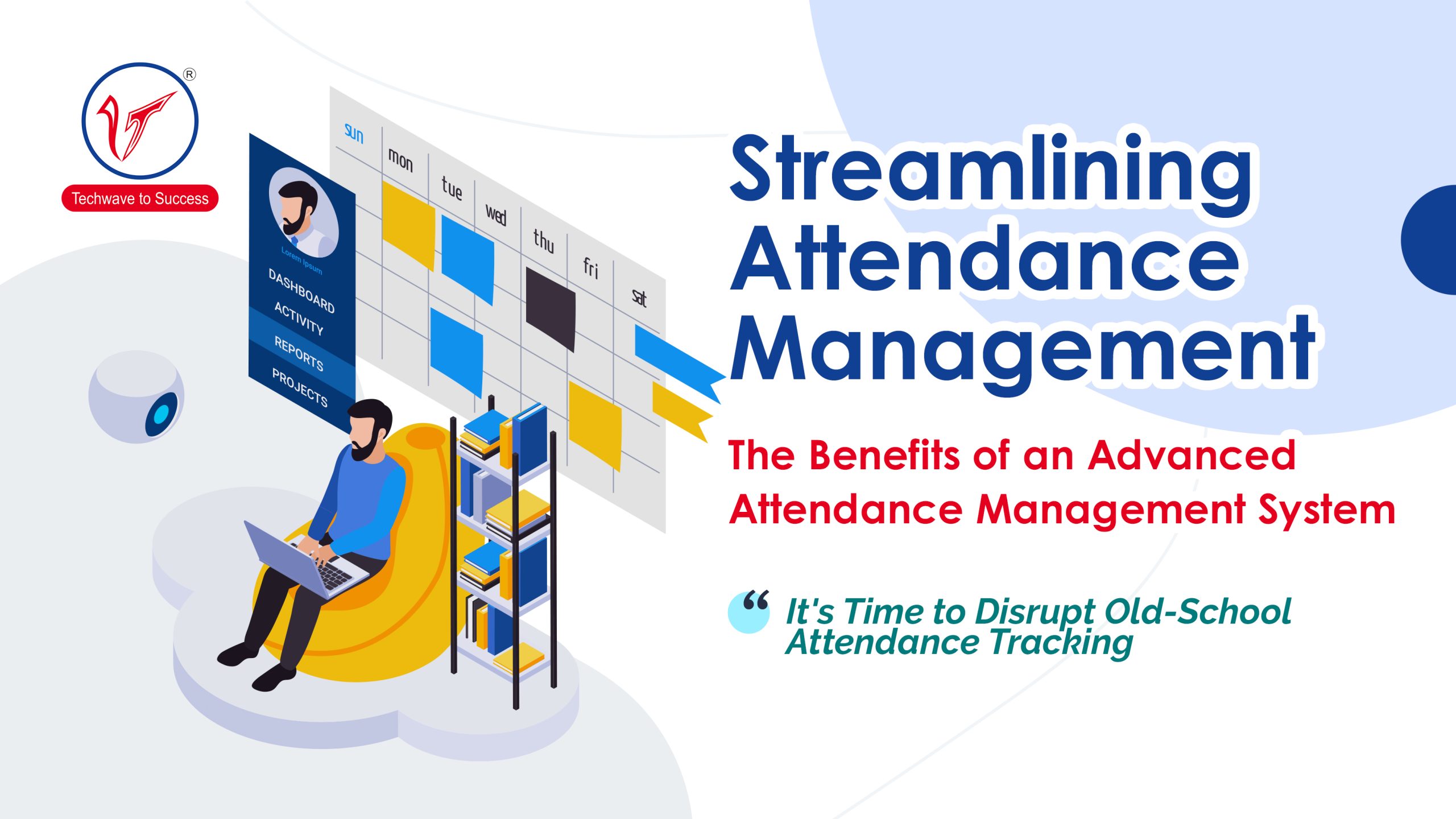
Keeping accurate records of employee working hours is essential for businesses of every size. A time and attendance management system helps organisations record when employees arrive, take breaks and leave work. By replacing manual registers and spreadsheets with a more organised process, businesses can improve record-keeping, reduce administrative effort and make attendance information easier to manage.
What Is a Time and Attendance Management System?
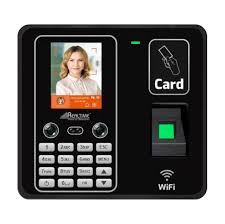
A time and attendance management system is a combination of hardware and software used to record and manage employee attendance. Depending on the requirements, employees may register their attendance using a biometric device, access card, PIN, mobile application or web-based platform.
The system stores attendance records and can help authorised staff review working hours, late arrivals, early departures, overtime, shifts and leave. Its features vary by product and configuration.
How Does It Work?
When an employee checks in or checks out, the system records the event along with relevant details, such as the date and time. The information is then made available through management software, where authorised users can review records and generate reports.
Many systems can be configured for different work schedules, departments, locations and shift patterns. Some can also connect with payroll or human resource management software, helping reduce repeated data entry. Integration options should be confirmed for the specific devices and software being considered.
Common Attendance Methods
- Biometric identification: Employees verify their identity using a supported biometric credential, such as a fingerprint or facial recognition.
- Access cards or key fobs: Employees tap or present an assigned credential at a reader.
- PIN-based entry: Employees enter a personal identification number at a terminal.
- Mobile or web check-in: Employees record attendance through an application or online portal, where available.
The right method depends on the workplace, the number of employees, the operating environment and the organisation’s policies. Businesses should also consider accessibility, reliability and how employee data will be protected.
Benefits for Businesses
More organised records
Digital records make attendance information easier to review and manage than paper registers. They can also help authorised personnel find records for a particular employee, date or shift.
Reduced manual administration
Automated recording and reporting can reduce repetitive data entry. This gives HR and administration teams more time to focus on other responsibilities.
Improved visibility of attendance patterns
Reports can help managers review punctuality, absences, overtime and shift attendance. This information can support workforce planning and help identify recurring issues that may need attention.
Support for payroll processes
Accurate attendance information can assist payroll teams when calculating working hours, overtime and other attendance-related details. Where payroll integration is required, confirm compatibility and review how data is transferred between systems.
Support for multiple shifts and locations
Businesses with rotating shifts, several departments or multiple sites can use configurable rules to organise attendance records. The available options depend on the system’s capabilities.
What to Consider When Choosing a System
Before selecting a time and attendance management system, consider the following:
- Workforce size and structure: Choose a solution that suits the number of employees, locations and departments.
- Shift requirements: Check whether the system can support your working hours, shift rotations, overtime rules and holidays.
- Attendance method: Select a method that is practical for employees and suitable for the working environment.
- Reporting: Review the reports available and whether they provide the information your managers and HR team need.
- Software compatibility: If you use payroll or HR software, check whether the attendance system can integrate with it.
- Data security and privacy: Understand how employee information is collected, stored, accessed and protected. Biometric data requires particular care.
- Ease of use: A straightforward system can make daily use easier for employees and administrators.
- Support and maintenance: Confirm what installation, training, maintenance and technical support are available.
Implementation Tips
A successful implementation involves more than installing a device. Begin by reviewing attendance policies and defining how different shifts, breaks, leave and overtime should be recorded. Set up employee and department information carefully, test the system before full deployment and explain the process to employees.
It is also important to define who can view or edit attendance records. Regularly review system settings and records to help ensure that the system continues to reflect current workplace policies.
Conclusion
A time and attendance management system can help organisations maintain clearer attendance records, simplify routine administration and support workforce planning. The most suitable solution will depend on the organisation’s size, work patterns, software requirements and data protection needs. By assessing these factors before implementation, businesses can choose a system that supports their day-to-day operations and their employees.
Time and Attendance Management System: 7 Frequently Asked Questions
- What is a time and attendance management system?
- How does a time and attendance management system work?
- What are the benefits of using a time and attendance management system?
- Which attendance methods can a time and attendance management system support?
- Can a time and attendance management system integrate with payroll software?
- How can a time and attendance management system manage shifts, overtime and leave?
- How should a business choose the right time and attendance management system?
What is a time and attendance management system?
A time and attendance management system is a solution that records and manages employees’ working hours, including check-in and check-out times, breaks, shifts and absences. Employees can register their attendance using methods such as biometric devices, access cards, PINs or mobile applications, depending on the system. The recorded information helps businesses monitor attendance, prepare reports and support payroll and workforce management processes.
How does a time and attendance management system work?
A time and attendance management system records when employees start and finish work using methods such as biometric verification, access cards, PINs or a mobile application. The information is stored in attendance software, where authorised staff can review working hours, shifts, late arrivals, absences and overtime. Depending on the system, attendance records can also be used to create reports or shared with payroll software, reducing manual data entry and helping businesses manage attendance more efficiently.
What are the benefits of using a time and attendance management system?
A time and attendance management system helps businesses record employee working hours more accurately and reduce the effort involved in maintaining manual registers or spreadsheets. It can make attendance records easier to review, support shift and leave management, highlight patterns such as late arrivals or overtime, and provide useful reports for workforce planning. When integrated with payroll software, it may also reduce repeated data entry and support payroll processing. The system’s benefits depend on its features, configuration and how well it suits the organisation’s needs.
Which attendance methods can a time and attendance management system support?
A time and attendance management system can support a range of check-in methods, depending on its features and configuration. These may include biometric identification, such as fingerprint or facial recognition; access cards or key fobs; PIN entry; and check-ins through a mobile app or web portal. The most suitable method depends on your workplace, employee requirements and security policies. Before choosing a system, check which methods it supports and how it protects employee information.
Can a time and attendance management system integrate with payroll software?
Yes, many time and attendance management systems can integrate with payroll software to help transfer employee working hours, overtime and attendance records for payroll processing. This can reduce manual data entry and the risk of errors. Integration options vary by system, so check that the attendance solution is compatible with your payroll software and supports your organisation’s pay rules before choosing it.
How can a time and attendance management system manage shifts, overtime and leave?
A time and attendance management system can be configured with shift schedules, working hours, break timings and attendance rules to record employees’ hours against their assigned shifts. It can flag late arrivals, early departures and overtime for review, while approved overtime can be recorded for reporting or payroll processing. Leave requests and balances may also be managed within the system, depending on its features, helping managers track planned absences and update schedules. Correct setup and approval workflows are important to ensure records follow the organisation’s policies.
How should a business choose the right time and attendance management system?
A business should choose a time and attendance management system based on its workforce size, shift patterns, locations and existing payroll or HR software. Consider which attendance methods—such as biometric devices, access cards or mobile check-ins—are practical for employees, and check that the system offers useful reports, straightforward administration and reliable support. It is also important to review data security and privacy, especially when collecting biometric information, and to confirm that the system can adapt as the business grows.