APTRANSCO Time and Attendance: Improving Workforce Management
Reliable attendance records are important for organisations with staff working across offices, substations, project sites and field locations. An APTRANSCO time and attendance system can help manage employee attendance, working hours, shifts and leave through a consistent digital process.
For Andhra Pradesh Transmission Corporation (APTRANSCO), workforce management may involve employees with different roles, schedules and work locations. A suitable attendance solution can reduce manual record-keeping and give authorised administrators a clearer view of attendance information. The specific requirements and systems used by APTRANSCO should be confirmed with the organisation through its official channels.
What is a time and attendance system?
A time and attendance system records when employees begin and finish work, and can maintain details such as shifts, late arrivals, early departures, overtime and leave. Depending on the organisation’s requirements, employees may record attendance using biometric devices, smart cards, PINs, mobile applications or web-based portals.
Attendance data can then be reviewed by authorised staff and used to prepare reports or support payroll processing. The system should be configured around approved workplace policies, shift schedules and attendance rules.
Why digital attendance can be useful
- More organised records: Digital records can make it easier to retrieve and review attendance information than paper registers or separate spreadsheets.
- Fewer manual errors: Automated calculations can help reduce mistakes when compiling hours, shifts and attendance summaries.
- Support for multiple locations: A centralised system can help administrators manage attendance across offices and other authorised work locations.
- Clearer reporting: Reports can help managers identify attendance patterns, missing entries and requests that need attention.
- Efficient administration: Digital workflows can simplify routine tasks such as attendance corrections and leave approvals, subject to the organisation’s procedures.
Features to consider
When evaluating an APTRANSCO time and attendance solution, organisations should consider the features that match their operational needs. These may include:
- Employee-wise attendance records and reporting
- Configurable shifts, duty schedules and holidays
- Options for office-based and field staff
- Attendance exception and correction workflows
- Leave and overtime management, where applicable
- Role-based access for employees, supervisors and administrators
- Secure data storage, backups and audit trails
- Integration with existing HR or payroll processes, if required
Choosing the right attendance method
The best way to record attendance depends on the workplace. Biometric terminals may suit fixed office locations, while mobile or web-based check-ins may be considered for authorised field work. Smart cards or PIN-based devices can be alternatives where appropriate. Each method has different requirements for connectivity, device maintenance, user access and data protection.
Before selecting a system, organisations should assess their work locations, employee numbers, network availability, shift patterns and existing administrative processes. A pilot at a small number of locations can help identify practical issues before a wider rollout.
Security and employee privacy
Attendance information is employee data and should be handled responsibly. Access should be limited to authorised users, and the organisation should establish clear rules for data collection, correction, retention and reporting. Where biometric information is considered, the relevant legal, policy and consent requirements should be reviewed before implementation.
Employees should also be given clear instructions on how to record attendance, report device issues and request corrections. A defined support process helps ensure that genuine errors or connectivity problems are addressed fairly.
Conclusion
A well-planned time and attendance system can help improve record-keeping and workforce administration across different work locations. For APTRANSCO-related requirements, the solution should be selected according to official policies, operational needs and applicable data-protection requirements. For current login instructions, employee procedures or official system details, users should consult APTRANSCO’s authorised communication channels.
6 Benefits of APTRANSCO Time and Attendance
- Streamlines attendance tracking.
- Reduces manual record-keeping.
- Helps monitor shifts and working hours.
- Makes attendance reports easier to prepare.
- Supports workforce coordination across locations.
- Improves access to organised attendance records.
5 Drawbacks of APTRANSCO’s Time and Attendance System
- Biometric devices may fail or require maintenance.
- Network issues can delay attendance updates.
- Incorrect entries may need manual correction.
- Field staff may find check-ins inconvenient.
- Employee data requires strong privacy safeguards.
Streamlines attendance tracking.
APTRANSCO time and attendance can streamline attendance tracking by recording employee check-ins and working hours in one organised system. This reduces reliance on manual registers and makes it easier for authorised staff to review attendance across different teams and locations. With clearer, more accessible records, routine attendance administration can be quicker and less prone to errors.
Reduces manual record-keeping.
APTRANSCO time and attendance systems can reduce manual record-keeping by capturing employee check-in and check-out details digitally. This means staff spend less time maintaining paper registers and compiling attendance sheets, while authorised administrators can review and retrieve records more easily. Digital records can also help minimise data-entry errors and simplify routine attendance reporting.
Helps monitor shifts and working hours.
APTRANSCO time and attendance systems can help monitor employees’ shifts and working hours by recording attendance against scheduled duties. This gives authorised staff a clearer view of hours worked, shift timings and attendance patterns, making it easier to review records and manage workforce schedules.
Makes attendance reports easier to prepare.
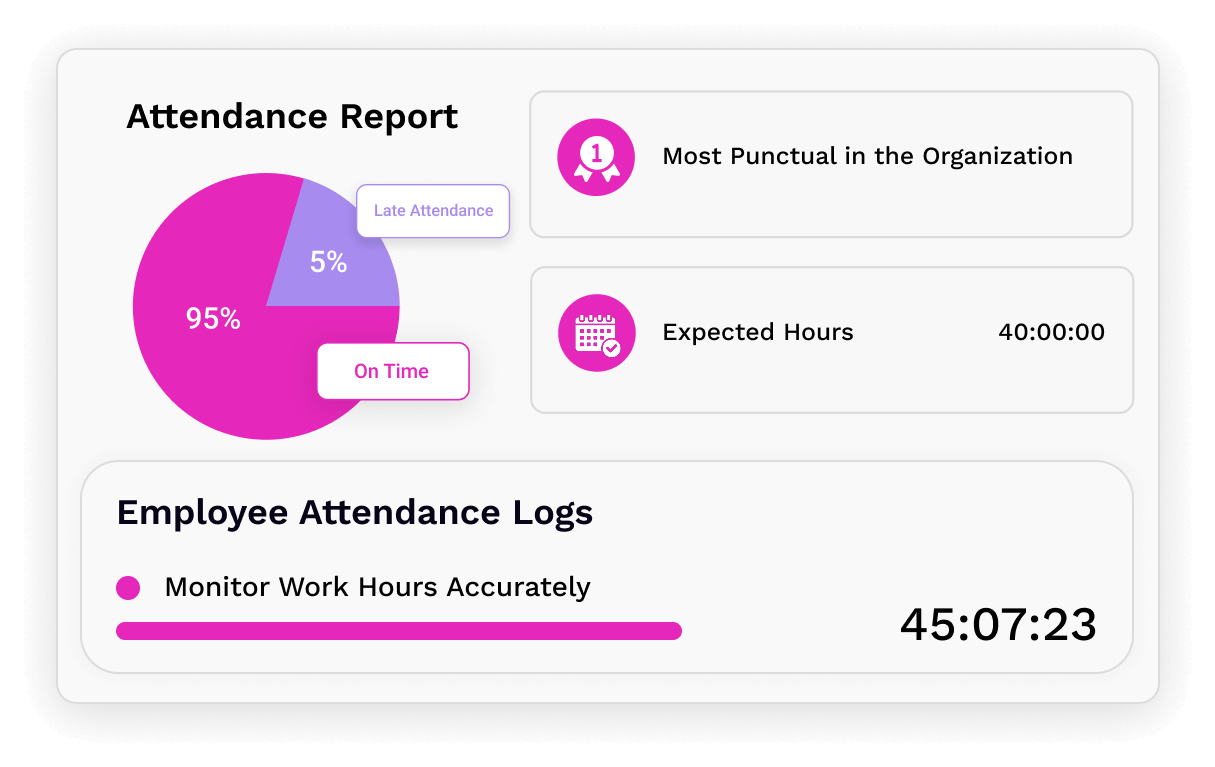
APTRANSCO time and attendance can make attendance reports easier to prepare by bringing employee records together in one organised system. Instead of manually checking registers or compiling information from multiple sources, authorised staff can access attendance data and generate reports more efficiently. This can save administrative time and help managers review working hours, shifts, absences and attendance patterns with greater clarity.
Supports workforce coordination across locations.
APTRANSCO time and attendance can support workforce coordination across offices, substations and other work locations by bringing attendance information into a more organised system. This can help authorised managers review staffing and attendance, coordinate shifts and follow up on exceptions more efficiently, while supporting consistent workforce administration across locations.
Improves access to organised attendance records.
APTRANSCO’s time and attendance system can make it easier for authorised staff to access organised employee attendance records in one place. Instead of relying on scattered registers or spreadsheets, users can review information such as work hours, shifts and attendance entries more efficiently. This helps simplify record retrieval, support routine checks and make workforce administration more organised.
Biometric devices may fail or require maintenance.
One possible drawback of APTRANSCO time and attendance systems is their reliance on biometric devices, which may occasionally fail to recognise an employee or stop working because of power, connectivity or hardware issues. The devices also need regular cleaning, maintenance and software updates. If a fault is not resolved promptly, employees may face delays in recording attendance, while administrators may need to verify and correct records manually.
Network issues can delay attendance updates.
One possible drawback of an APTRANSCO time and attendance system is its reliance on network connectivity. If the internet or local network is slow or unavailable, attendance entries may not appear immediately, which can delay updates and make it harder for supervisors to review records in real time. A clear process for recording and syncing attendance once the connection is restored can help reduce confusion and prevent missing entries.
Incorrect entries may need manual correction.
One disadvantage of the APTRANSCO time and attendance system is that incorrect or missing entries may need to be corrected manually. Missed clock-ins, device or network issues, or accidental errors can require employees to raise a request and authorised staff to review and update the record. This may take extra time and, until the correction is approved, attendance reports could be incomplete or inaccurate.
Field staff may find check-ins inconvenient.
A possible drawback of the APTRANSCO time and attendance system is that check-ins may be inconvenient for field staff. Employees working at substations, remote sites or while travelling may have limited internet access or difficulty reaching an attendance device at the required time. This can lead to missed or delayed entries, so clear procedures for recording attendance and correcting genuine errors are important.
Employee data requires strong privacy safeguards.
Employee data requires strong privacy safeguards: An APTRANSCO time and attendance system may hold sensitive information, such as attendance records, work schedules and, depending on the system, biometric details. If this data is accessed without authorisation, shared improperly or not securely stored, it could put employee privacy at risk. Strong access controls, secure storage, clear data-handling policies and regular security reviews are therefore essential.