
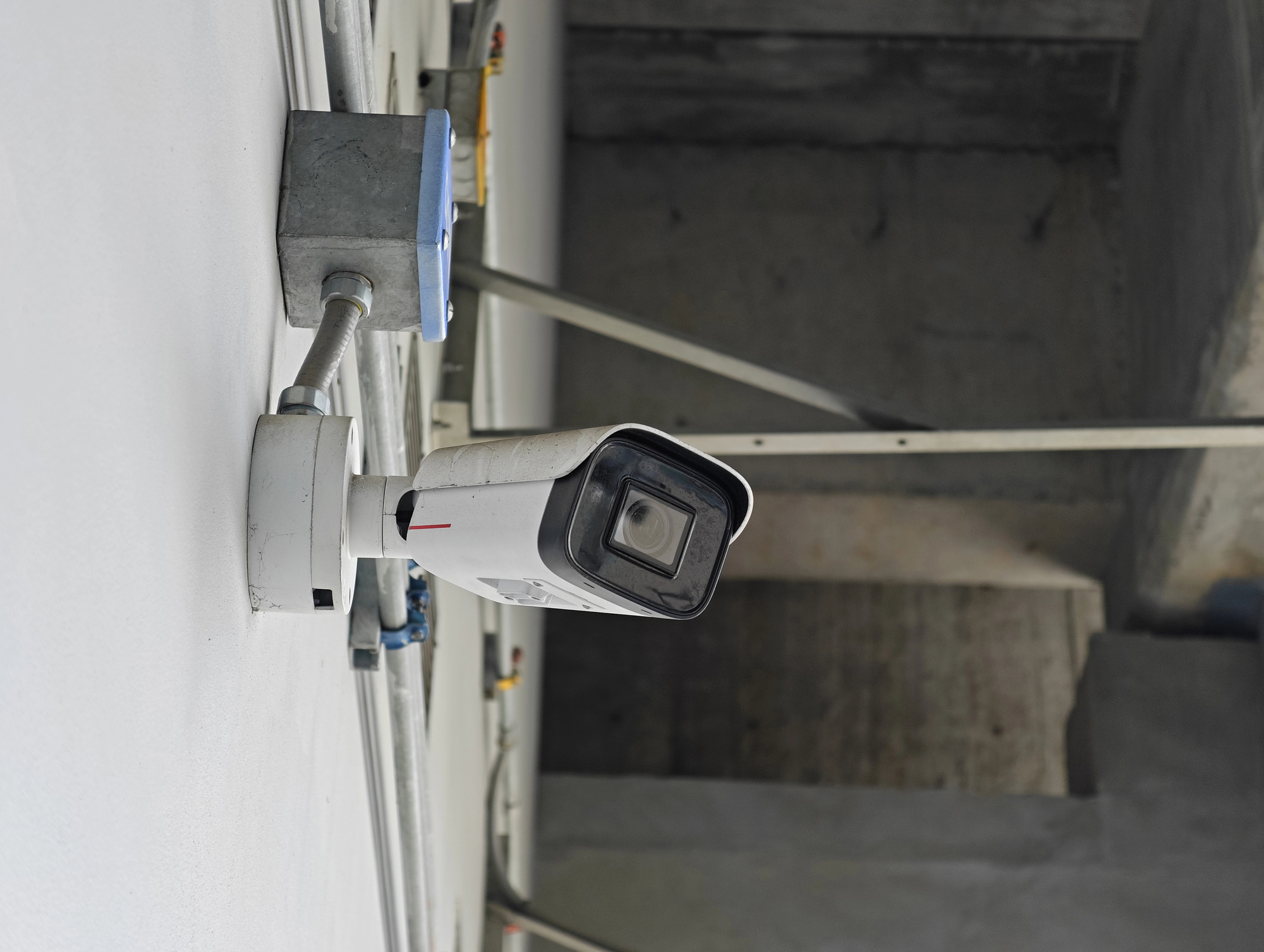
Industrial CCTV Cameras: A Practical Guide for Businesses
Industrial CCTV cameras help organisations monitor operations, protect people and property, and maintain visibility across large or challenging sites. From manufacturing plants and warehouses to power stations, transport facilities and construction sites, the right camera system can support day-to-day security as well as operational oversight.
What is an industrial CCTV camera?
An industrial CCTV camera is designed for use in demanding commercial or industrial environments. Compared with cameras intended for homes or small offices, industrial systems may need to operate across larger areas, withstand dust or moisture, cope with changing light, or provide reliable images around the clock.
Industrial CCTV is not a single type of camera. A system may combine fixed cameras, pan-tilt-zoom (PTZ) cameras, thermal cameras and specialised models, selected according to the site and its monitoring needs.
Where are industrial CCTV cameras used?
- Manufacturing facilities: Monitor production lines, entry points, storage areas and restricted zones.
- Warehouses and logistics centres: Observe loading bays, goods movement, vehicle routes and inventory areas.
- Infrastructure and utilities: Monitor perimeter areas and equipment at sites such as substations, water facilities and transport hubs.
- Construction sites: Provide visibility over equipment, materials and access points, including during non-working hours.
- Food and pharmaceutical facilities: Support monitoring in areas where hygiene, controlled access or documented processes are important.
- Parking and perimeter areas: Observe vehicle movement, gates and boundary lines.
Common types of industrial CCTV cameras
Fixed cameras continuously view a particular location, such as a doorway, machine or production area. They are useful when a consistent view is required.
PTZ cameras can pan, tilt and zoom, allowing operators to view a wider area or examine a point of interest in greater detail. They are often used in large yards and open spaces.
Day-and-night cameras are designed to provide images in varying light conditions. For areas with little or no visible light, infrared illumination may be suitable.
Thermal cameras detect heat patterns rather than relying on visible light. Depending on the application, they may help identify people, vehicles or unusual temperature changes. They do not replace every type of visible-light camera and should be selected for a defined purpose.
Explosion-protected or specialised cameras may be required in certain hazardous environments. Equipment selection should be based on the site’s risk assessment and applicable safety requirements.
How to choose the right camera system
Start by identifying what needs to be monitored and why. A clear assessment helps determine camera locations, image detail, recording requirements and who will access the footage. Consider the following factors:
- Environment: Assess temperature, dust, moisture, vibration, corrosive conditions and lighting. Check the camera’s protection ratings and operating limits.
- Coverage and image detail: Decide whether the purpose is general observation, identifying a person or vehicle, or monitoring a specific process. Camera position and lens selection matter as much as camera resolution.
- Lighting: Account for glare, shadows, backlighting and night-time conditions. Additional lighting or a different camera position may be needed.
- Connectivity: Choose between wired and wireless connections based on distance, infrastructure, reliability and site conditions. Large facilities may need a carefully planned network.
- Recording and storage: Estimate how many cameras will record, the required retention period, image quality and recording schedule. These affect storage capacity and network bandwidth.
- Integration: Consider whether CCTV should work with access control, alarms, fire systems, a control room or other security technologies.
- Privacy and access: Define who can view or export footage, how long it is retained and how access is protected. Follow applicable Indian laws and organisational policies.
Installation and ongoing maintenance
Professional planning can help avoid blind spots, poor image quality and unnecessary network load. Cameras should be mounted securely, positioned to capture useful views and protected from tampering where appropriate. The system should also be tested in daytime and low-light conditions, with recording, playback, alerts and backup power checked as required.
Regular maintenance is equally important. Clean camera lenses and housings, inspect mounts and cables, review recording status, check storage capacity and update system software in line with the manufacturer’s guidance. Periodic reviews can also confirm that camera views still match the site’s operational and security needs.
Conclusion
Industrial CCTV cameras can provide valuable visibility across complex sites, but a successful system depends on more than choosing a camera model. Environmental conditions, coverage goals, network design, storage, privacy and maintenance all need consideration. A site-specific assessment is a practical first step towards selecting an industrial CCTV solution that supports security and operations.
6 Essential Tips for Choosing and Installing Industrial CCTV Cameras
- Choose cameras with suitable IP and IK ratings for the site.
- Use weatherproof cameras in outdoor or dusty areas.
- Position cameras to cover entrances, machinery and blind spots.
- Select lenses and resolution for the required viewing distance.
- Provide adequate lighting or use infrared night vision.
- Secure the network and check recordings regularly.
Choose cameras with suitable IP and IK ratings for the site.
Choose industrial CCTV cameras with IP and IK ratings suited to the conditions at your site. The IP rating indicates protection against dust and water, while the IK rating shows resistance to mechanical impact. For example, cameras installed outdoors, in wash-down areas or near moving machinery may need stronger protection than those used in a clean, controlled environment. Assess the actual exposure at each location and check the manufacturer’s specifications before installation.
Use weatherproof cameras in outdoor or dusty areas.
For outdoor or dusty industrial areas, choose weatherproof CCTV cameras designed to withstand the site’s conditions. Check the camera’s IP rating, operating temperature range and resistance to dust, rain and moisture before installation. A suitable weatherproof housing can help protect the lens and internal components, maintain image quality and reduce the need for frequent repairs. Keep the camera clean and inspect its seals regularly, as even a robust unit needs routine maintenance.
Position cameras to cover entrances, machinery and blind spots.
Position industrial CCTV cameras to provide clear views of key entrances, machinery and areas that may otherwise be difficult to monitor. Check for blind spots created by walls, storage racks or equipment, and adjust camera angles or add cameras where needed. A well-planned layout can improve site visibility and help operators monitor activity more effectively.
Select lenses and resolution for the required viewing distance.
Select the camera lens and resolution based on how far away the area of interest is and the level of detail needed. A wide-angle lens can cover a larger area at close range, while a narrower lens may capture more detail across a longer distance. Higher resolution can help with identification, but it also uses more storage and network bandwidth. Test the camera’s view at the intended mounting position to ensure it provides useful images without leaving important areas out of frame.
Provide adequate lighting or use infrared night vision.
Ensure industrial CCTV cameras have adequate lighting to capture clear footage, especially in areas with low or changing light. Where adding visible lighting is not practical, choose cameras with infrared (IR) night vision. Check the camera’s IR range and test the image at night, as obstacles, reflective surfaces and uneven lighting can affect visibility.
Secure the network and check recordings regularly.
Secure your industrial CCTV network by changing default passwords, using strong access controls, keeping firmware updated and restricting system access to authorised users. Where possible, separate CCTV devices from other business networks and use secure connections for remote viewing. Check recordings regularly to confirm cameras are capturing clear footage, storage is working correctly and important events can be retrieved when needed. These simple checks can help protect both your surveillance system and the information it collects.