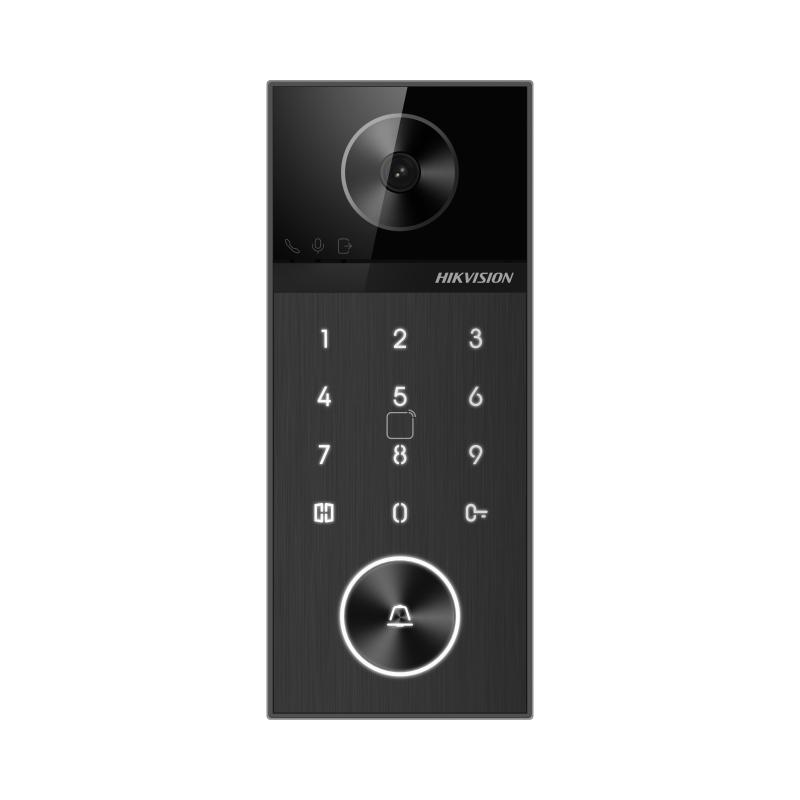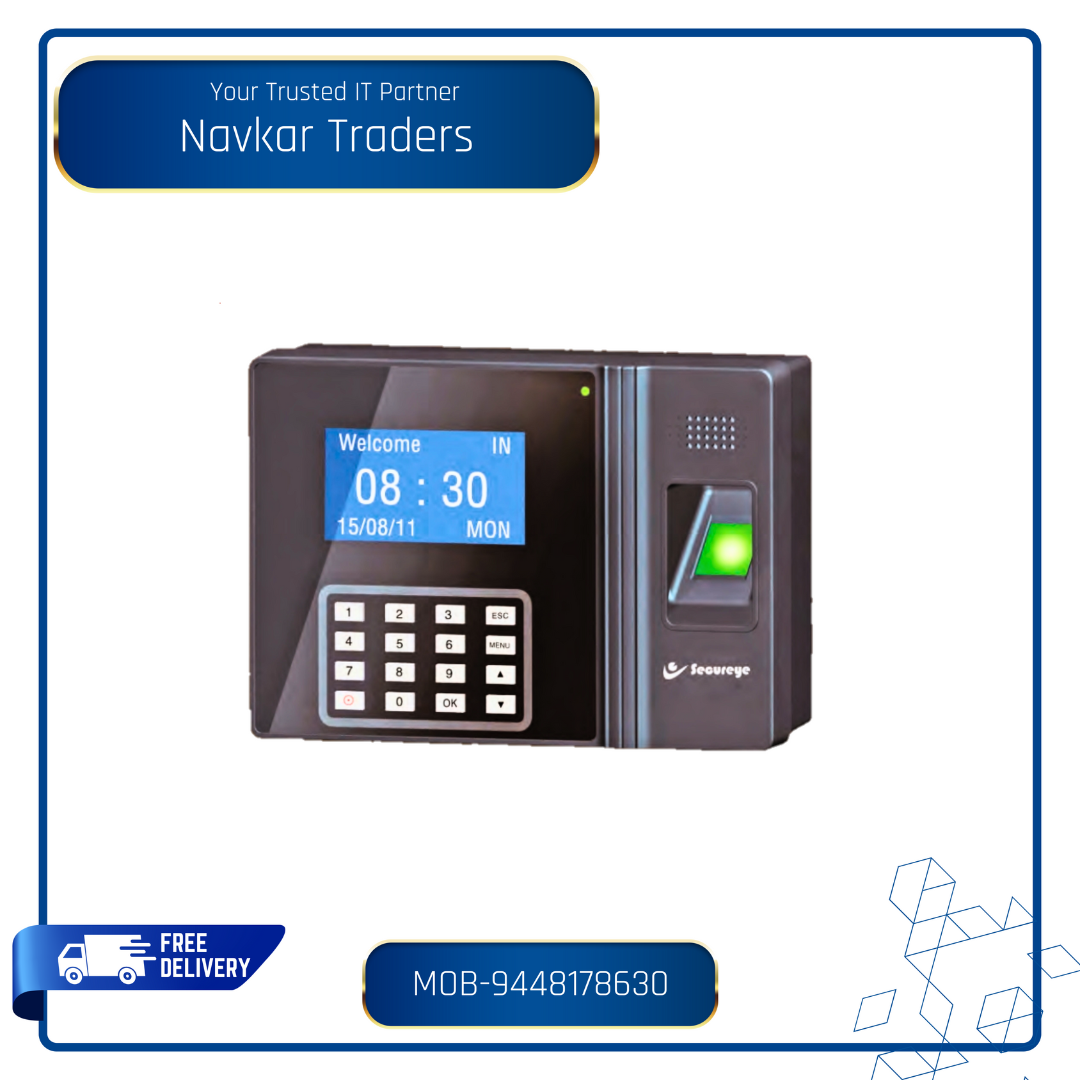
Secureye Access Control: A Smarter Way to Manage Entry
Managing who can enter a workplace, residential complex or other premises is an important part of security. Secureye access control solutions help organisations regulate entry, improve oversight and make day-to-day access management more convenient than relying on traditional keys alone.
What is access control?
An access control system verifies a person’s credentials before allowing entry through a door, gate or other controlled point. Depending on the equipment selected, credentials may include an access card, PIN, fingerprint or another supported method. The system can be configured to grant access only to authorised users and, where supported, to restrict entry by time or location.
How Secureye access control can help
Secureye access control products are designed for a range of applications, from offices and commercial buildings to educational institutions, factories and residential premises. The exact features depend on the model and system configuration, but an access control installation may help with:
- Controlled entry: Allow access only to people with valid credentials.
- Convenient user management: Add, update or remove user permissions as access requirements change.
- Entry records: Review access events where the selected device and software support event logs.
- Flexible access methods: Choose from supported credentials such as cards, PINs or biometric verification.
- Integration options: Depending on the system, connect access control with other security equipment or management software.
Choosing the right system
The right Secureye access control setup depends on the site, the number of users and the level of security required. Before selecting a system, consider the following:
- Type of premises: A small office may need a straightforward door controller, while a larger site may require multiple access points and centralised management.
- Number of users and doors: Confirm that the equipment can support your current requirements and anticipated growth.
- Credential method: Choose a suitable method based on convenience, security needs and the environment. Some sites may benefit from using more than one verification method.
- Software and reporting: Check which management, reporting and time-based access features are available with the specific model.
- Installation conditions: Consider door type, power supply, network availability and whether the equipment will be installed indoors or outdoors.
- Backup and emergency access: Ask your installer how the system behaves during a power or network interruption and how authorised emergency entry will be managed.
Installation and day-to-day management
A well-planned installation is essential for reliable operation. The process generally involves identifying the doors or entry points to be controlled, choosing compatible devices, setting user permissions and testing the system. For larger sites, it is useful to define access groups and approval procedures before enrolling users.
Once installed, keep user records up to date. Remove credentials promptly when a person no longer requires access, review permissions periodically and follow the manufacturer’s guidance for maintenance. Strong PIN practices and secure handling of access cards are also important.
Is Secureye access control right for your site?
Secureye access control can be considered by organisations looking to move beyond conventional keys and manage entry more systematically. The best solution will depend on the exact Secureye products available, the site’s security requirements and compatibility with existing systems. Confirm specifications, supported features and installation requirements with an authorised supplier or qualified security integrator before making a decision.
Conclusion
Access control is most effective when the equipment, permissions and operating procedures are planned together. By assessing your entry points, users and reporting needs, you can select a Secureye access control system that suits your premises and supports more organised access management.
6 Essential Tips to Secure Your Premises with Secureye Access Control
- Use Secureye access control to limit entry to authorised people.
- Assign each user a unique card, PIN or biometric credential.
- Remove access promptly when staff leave or change roles.
- Review access logs regularly for unusual activity.
- Keep Secureye devices and software updated.
- Use strong admin passwords and restrict admin access.
Use Secureye access control to limit entry to authorised people.
Use Secureye access control to help ensure that only authorised people can enter your premises. By assigning access cards, PINs or other supported credentials to approved users, you can manage entry at designated doors and update permissions when staff or site requirements change. For best results, review access rights regularly and choose a system configuration suited to your premises.
Assign each user a unique card, PIN or biometric credential.
Assign each user a unique card, PIN or biometric credential to make access easier to manage and more accountable. Individual credentials help identify who is entering, simplify permission changes and allow access to be withdrawn for one person without affecting others. Avoid shared cards or PINs, and promptly deactivate credentials that are lost or no longer required.
Remove access promptly when staff leave or change roles.
Review access permissions whenever a staff member leaves or changes roles. Promptly deactivate or update their Secureye access credentials, such as access cards, PINs or biometric permissions, to ensure they can enter only the areas required for their current responsibilities. Regularly checking user access helps reduce the risk of unauthorised entry and keeps permissions up to date.
Review access logs regularly for unusual activity.
Review Secureye access logs regularly to spot unusual activity, such as repeated failed attempts, access outside authorised hours or entries at unexpected locations. Investigating these patterns promptly can help identify possible security issues and ensure that user permissions remain appropriate. Where available, set a routine for reviewing reports and follow up on any entries that cannot be explained.
Keep Secureye devices and software updated.
Keep Secureye access control devices and software updated to help maintain reliable performance and protect against known security vulnerabilities. Install firmware and software updates recommended by the manufacturer, and check compatibility with your existing equipment before applying them. Where possible, back up system settings first and schedule updates during a suitable maintenance window to minimise disruption.
Use strong admin passwords and restrict admin access.
Use strong, unique administrator passwords for your Secureye access control system, and change any default passwords during setup. Limit administrator access to trusted personnel who need it for their role, and review permissions regularly. Avoid sharing login details, and remove or update accounts when staff responsibilities change. These simple steps can help reduce the risk of unauthorised changes to user permissions and system settings.